We cannot imagine a website without any form of it. That is why every website has at least a form on the contact page. Apart from the contact page, forms can be used on a lot of different pages and for different purposes.
But not all of the WordPress form plugins we generally use today are capable of building such multi-purpose forms. There are some advanced and highly functional WordPress form builder plugins that can possibly work way better than just general contact form plugins. Today, we will introduce the 8 best WordPress form builder plugins with their detailed specifications.
Best WordPress Form Builder for Your Site
We will cover some of the essential features of 6 top form builder plugins along with the price range of their paid versions. This insightful analysis will help you choose the right form builder plugin for your WordPress site.
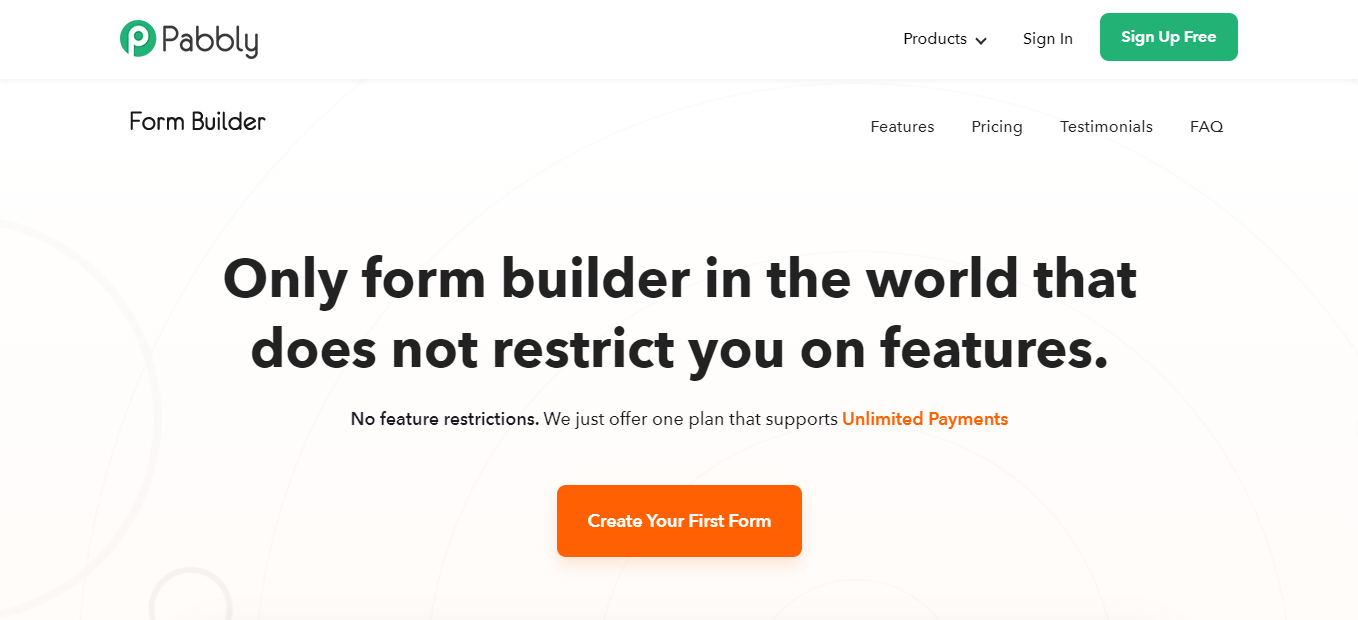
Pabbly Form Builder is an online form maker software that lets you create various forms such as payment forms, lead capture, event registration, surveys & quizzes, landing forms etc. The interface of the software is very easy to use, one can build a form in minutes using its drag and drop editor.
It is the only tool that allows you to use all its premium features even in the basic plan. That include many limitless features i.e, unlimited payments, unlimited submissions, storage, submissions and many more.
Moreover, there are many advanced features for form creation that will help you in creating user-interactive forms to boost customer experience.
What Makes Pabbly Form Builder Great?
There is a large collection of ready to use templates to save time. The software is also packed with customization options like theme, layout, header, etc.
The drag and drop editor along with conditional redirects will help you create forms in which you can redirect a customer based on his/her decision.
This tool supports creating dynamic forms using the and/or conditional logic.
You can use custom branding and insert the logo of your brand in forms to increase your brand awareness.
Along with limitless form embedding, the software offers three different kinds of form embedding i.e, Full, Sliding & Pop-up.
Advance features like multi-page forms, partial form submission & auto-populate form fields will help you enhance the customer experience by making it more convenient for the user.
The email autoresponder feature will help you with personalized response emails for your forms.
Form analytics will help you keep track of the filled, partially-filled, and on-hold forms.
You can also display a Thank You! or Welcome! page after form submission.
Above all, you can add multiple payment accounts for accepting payments.
It also allows integration with 300+ other services to enhance your form capabilities such as PayPal, Stripe, Gmail, etc.
Pricing: The pricing plan is pretty simple for Pabbly Form Builder. It will charge $15 per month with all the features unlimited for a single form. Moreover, if you acquire the yearly plan then the charges will be reduced to $10 per month.
Sigma Forms is an AI-powered WordPress form builder plugin that lets you create various forms such as contact forms, surveys, event registrations, booking forms, payment forms, and job applications. The interface of the plugin is very easy to use, one can build a form in minutes using its AI generation feature or drag and drop editor.
It is the only tool that allows you to create complete forms instantly using simple text prompts without any manual field configuration. That includes AI-generated field structure, validation rules, and optimized layouts based on conversion best practices.
Moreover, there are many advanced features for form creation that will help you in creating user-interactive forms to boost customer experience and recover lost leads.
What Makes Sigma Forms Great?
The plugin offers 60+ pre-built templates for various industries, including contact forms, surveys, product orders, and appointment bookings.
AI form generation, along with a drag and drop editor, will help you create forms.
This tool helps you create dynamic forms using conditional logic to show or hide fields based on user input.
You can use custom branding and style customization options to perfectly match the look of your form with your website design.
In addition to standard form embedding, the plugin offers abandoned form tracking to capture partial submissions and retarget potential leads.
Advanced features like multi-step forms, math calculations for pricing, and auto-populate form fields will help improve the customer experience by making it more convenient for the user.
The built-in analytics dashboard will help you track total submissions, conversion rates, and form abandonment data.
You can display custom success messages or redirect to a thank-you page after form submission.
Best of all, you can integrate with payment gateways and email marketing services to accept payments and grow your subscriber list.
It also allows integration with webhooks, Mailchimp, and other tools to enhance your form capabilities and automate your workflow.
Pricing: The pricing plan is pretty simple for Sigma Forms. The Pro version starts at $49 per year for the Personal plan with core AI features for a single site. Moreover, if you acquire the Business plan at $99 per year, you get full analytics for five sites, or the Developer plan at $249 per year for unlimited sites with priority support. All paid plans include a 60-day money-back guarantee.
Ninja Forms is not just a simple WordPress form plugin. It is a powerful drag and drop form builder with which you can build great looking forms on your WordPress sites. You can easily make complex forms in a short time with absolutely no code. If you are a developer, you can tweak this by utilizing built-in hooks, filters, and custom field templates.
What Makes Ninja Forms Awesome?
Ninja Forms is free to be tested, used, or contributed to. The add-ons Ninja forms sell come with a 14-day money back guarantee.
The unlimited number of forms, fields, emails, actions, or submissions.
A bulk of settings so that you can fine-tune every part of your form: from general settings to individual fields, submit actions and emails.
You can modify your own field then save them as favorites to use later (also in other forms).
There are a lot of extensions that increase the functionalities of your forms. You can integrate PayPal, Stripe, Zapier with Ninja Form easily.
It is developer-friendly with hundreds of functions, action hooks, and filters that developers can use to create their custom functionality.
Ninja Forms gives you an effortless WordPress integration. You can add a Ninja Forms to your site easily with a shortcode, widget, template function, or append it automatically to any content you choose.
Updating the Ninja Forms plugin and extensions is super easy. You just need one click to get the latest update.
It is translation-ready, for easy conversion to any language.
Pricing: Ninja Forms is basically free but it has pro versions that come with a lot of Add-ons starting from $29. They have 4 different packages to choose from. Pick the one that suits you best.
Gravity Forms is a very easy to use tool to create advanced forms for your WordPress sites. You can create quality forms in a short time. It powers over a million WordPress sites. Gravity Forms lets you integrate with a variety of third-party services such as PayPal and provides even deeper integration with WordPress through many optional Add-ons.
What’s So Special About Gravity Forms?
You can build your WordPress forms quickly using its flexible form editor. Select your fields, configure your options, and easily embed forms on your WordPress powered site using the built-in tools.
It allows you to break up your form into multiple pages and shows a progress bar letting your user know which page they are in the process.
The settings of Gravity Forms is super easy. You can easily configure the title, description, and confirmation message using the form settings.
Forms are optimized for mobile devices.
You can easily limit the number of entries a form will accept and display a custom message when that limit is reached.
It’s easy to extend Gravity Forms to integrate with several popular web applications and online services.
Pricing: You can avail the features of Gravity Forms starting from a price of $39 for a year. They have three different packages ($39, $99, $199) each with one-year duration.
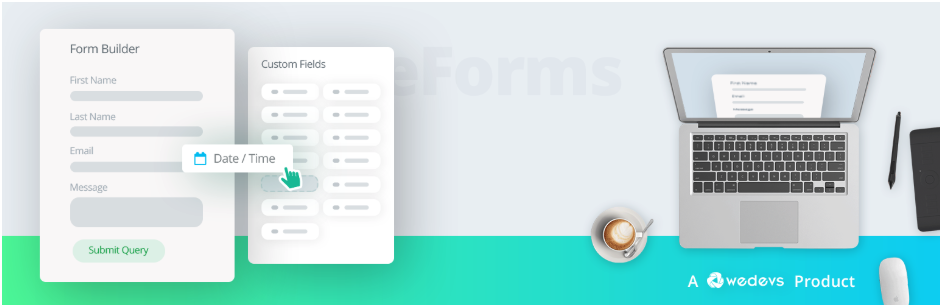
Want to experience a faster way to create forms on WordPress? Get weForms, an easy to use WordPress form plugin to create contact forms. It is an all-in-one form builder created with the general users in mind. Create rich contact forms to generate leads, make conversions and sales, take feedback, and onboard visitors.
What’s in weForms?
Design forms with weForms’ drag and drop function.
It is amazingly fast. From creating a form to configuring settings or viewing entries, all happens in real-time.
Everything inside weForms actually loads in a single page without reloading the page.
There are more than 33 types of field types to choose from.
Create industry-standard forms quickly using amazing pre-built templates or a blank canvas.
Set rules by using conditional logic for user interactions.
Avoid spam entries with weForms’ built-in anti-spam protection.
Easily sync with the most popular email marketing tools.
Pricing: weForms has both free and Pro versions. You can go for the free one or buy any of the Pro packages from Personal for $39, Professional for $79, Business for $149, and Developer for $399 a year.
FormGet is a drag and drop form builder which makes form creation an absolute breeze. So, even if you are new to technology, you’ll absolutely fall in love with FormGet. Then, it allows you to share your form with an unlimited number of people through link sharing, custom webpage and also, through social sharing. In fact, the form created through FormGet can also be integrated on your website with ease. This way you can effectively convert the visitors in leads. The people who fill up your form become your leads and this data gets placed in the contact database which can be integrated with your favorite software such as MailChimp, Zapier, etc.
What Makes FormGet Great?
It provides you with a 7 days free trial wherein you can use all the advanced features and create unlimited forms without any hassle.
You can create a multipage form in no time simply by selecting the fields you want the user details for and adding a page-break for moving to the next page.
Moreover, the user can easily save the form and fill it later. FormGet facilitates you with the feature to send the form link to users via emails so that they can resume the form anytime.
Configuring the payment settings can’t get easier. You can select the billing cycle as one-time or recurring and select payment gateways like Stripe & PayPal. Additionally, you can also upload the product image as well.
Further, it allows you to add single or multiple products with details like stock, limit for purchase quantity per user, price, currency, total price label & much more. Easy enough!
With a conditional redirect, you can add redirect links for different conditions. You can either select all the conditions or any single condition to be fulfilled in order to trigger redirection.
Besides, you can also get insights into reports of the forms about the multi-choice option like dropdown, checkboxes, etc in graphical form. This way, you can easily analyze the results and download the CSV files for the same.
Pricing: FormGet offer various yearly as well as monthly pricing plans starting from $7 to $99 per month. The cost differs on the basis of features like monthly submissions, the number of forms you want to create, payment accounts, etc. The available plans are: Starters, Standard, Rookie, Pro, and Advance.
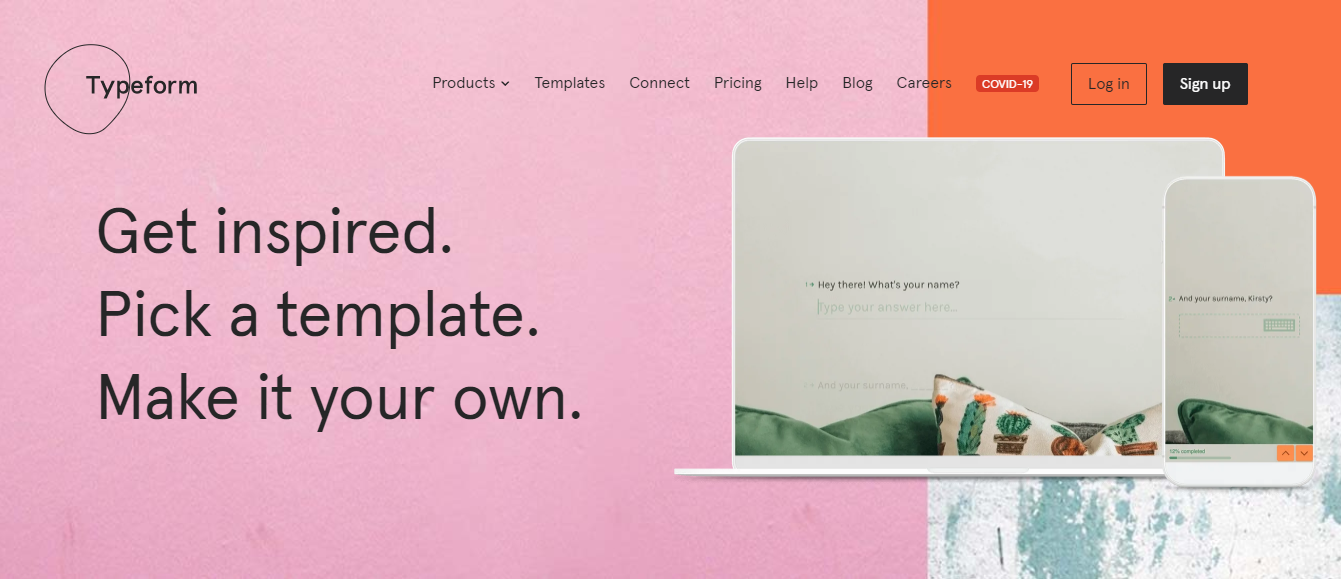
Collect valuable data with the help of Typeform. Create customizable and conversational contact forms, quizzes, suggestion box forms to interact with people and collect data. It allows you to easily create a form that looks beautiful and gets more responses. You can make a form in minutes by dragging and dropping questions and adding design elements so that it blends beautifully into your brand. Get to know your audience, one person at a time.
What Makes Typeform Different?
Typeform offers a free trial with 3 templates to choose from that can get 100 responses.
Create your free account then you’re good to go. Choose your desired form template, edit, then publish or save it for later. You can also start from scratch.
It has a drag and drops function.
No need for coding. Just simply create a form in minutes then you’re done.
It provides a preview for every form you created.
Unlike other forms, Typeform has a condition called Logic Jump. Logic Jump (available in Essentials and higher plans) lets you create a Typeform that responds to people’s answers. Respondents never have to skip irrelevant questions – because, with Logic Jump, they’ll never even see them
You can integrate Typeform in different payment forms.
You can create unique codes for respondents using hidden fields, so you can easily track who is completing your Typeforms.
Typeform results live in Results panel, which you can see when you log in to your account, and open the Typeform.
Pricing: You can subscribe to Typeforms and choose the plan that works for you. Starting from Essentials (forms with a personal touch) 35 USD/mo, Professional 35 USD/mo (more powerful and interactive forms), and Premium 70USD/mo (Advanced features for brands).
Formidable Forms is a powerful WordPress form builder that lets you create awesome forms for your websites. You can create contact forms, polls, surveys, and lead generation forms easily with this. You can either start with pre-built form templates or create custom forms. It can be used for any size of forms – from the smallest sidebar opt-in form to large job application forms.
What Do Formidable Forms Offer?
Formidable Forms lets you create unlimited forms with essential field types including single-line text, email, URL, paragraph text, radio, checkbox, dropdown, and reCaptcha.
It saves your time and increases form completions by preloading data in your forms.
Formidable Forms allows your users to edit their submissions from the beauty of your theme. Front-end editing is quite easy and simple.
Build complex forms with conditional logic. You can automatically hide or show fields or entire pages in your form based on selections your users make.
Use field calculation to add up quantities and totals. Add a quantity and see the total update in real-time.
Publish your forms with an easy-to-use shortcode UI.
Pricing: Formidable Forms offers 4 packages to choose from starting at $49. Each of the packages varies in features and the number of add-ons.
The form builders that we discussed above are not just simple WordPress form plugins. They can do way more than regular plugins. All six of them form builders with many different functionalities in each of them. Their features may vary but they are not a lot different from each other. Building awesome forms for your website can be so easy with any of the above WordPress form builders. Now it’s your turn to decide which one to choose out of these six. Just think about the things you need and find which one can meet most of them. If you want to know how to integrate Contact Form 7 to your WordPress site just click here