

January 27, 2026
Share


If you’re here, you already know the benefits of a WordPress booking plugin, and now your challenge is finding one that actually works without unnecessary hassle.
There are hundreds of options, and not all of them deliver what they promise. If you want a plugin that’s reliable, easy to use, and completely free, you’re in the right place.
After testing and evaluating over 20+ free WordPress scheduling plugins, we’ve shortlisted the top free booking plugins for WordPress, tools that actually work without burning a hole in your pocket.
Without any further ado, let’s dive in!
To save your time, here is a quick summary of the top WordPress appointment booking plugins at a glance:
Ever thought what the factors are that make a WordPress booking plugin the BEST?
Whether you’re looking for a free or paid option, you should never compromise on features and ease of use. To bring you the list of the best WordPress booking plugins that are completely free, we’ve evaluated each and every appointment plugin based on:
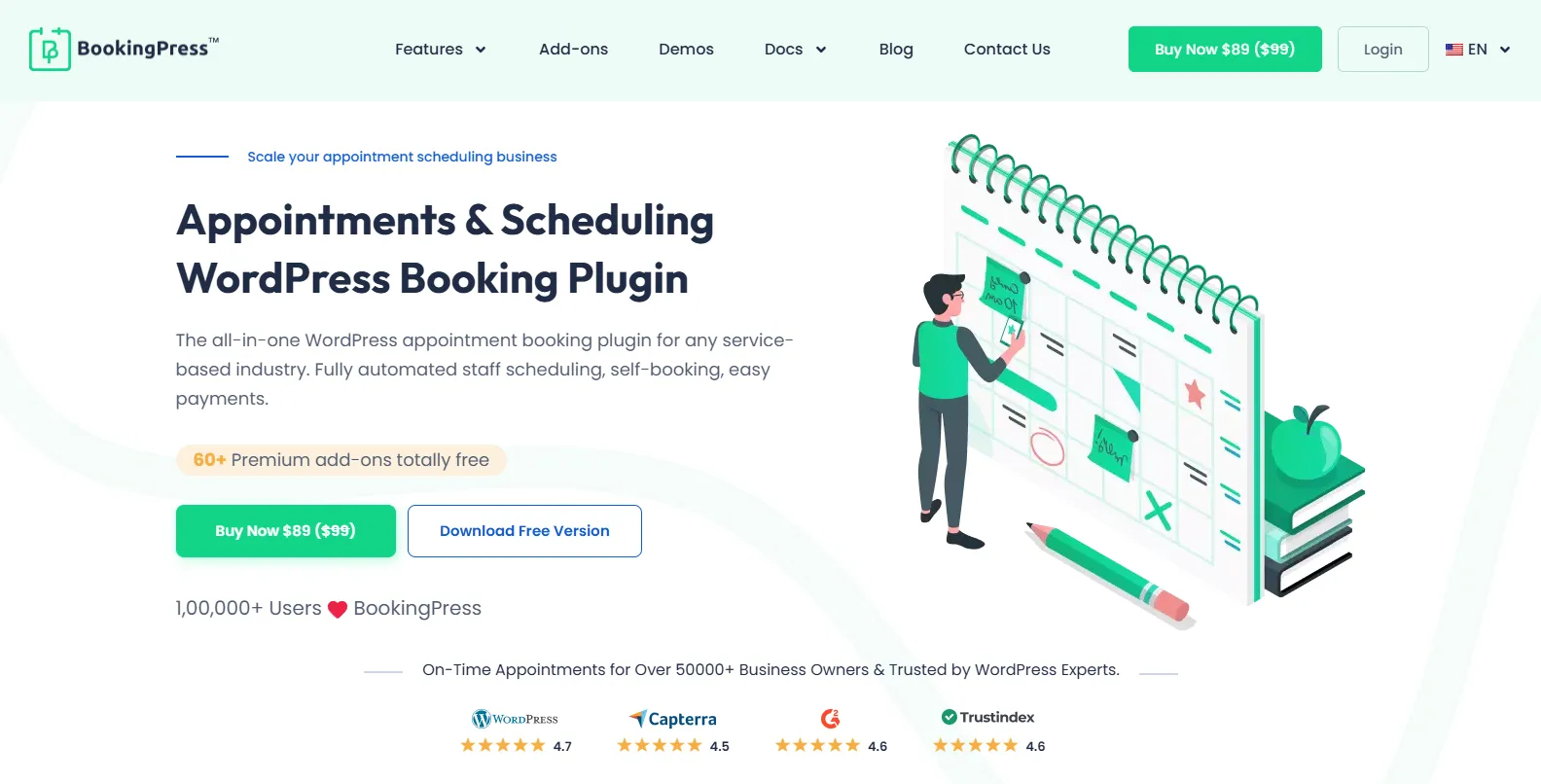
BookingPress is the best WordPress booking plugin around here. Trusted by thousands of businesses, it is an all-in-one booking solution that turns your simple WordPress site into a full-featured online booking system.
The best part is you need zero technical skills. BookingPress lets you give your clients a hassle-free appointment booking experience. Plus, you can brand your booking form the way you want, manage your appointments, and collect online payments.
Standout Features:
Pros:
Cons:
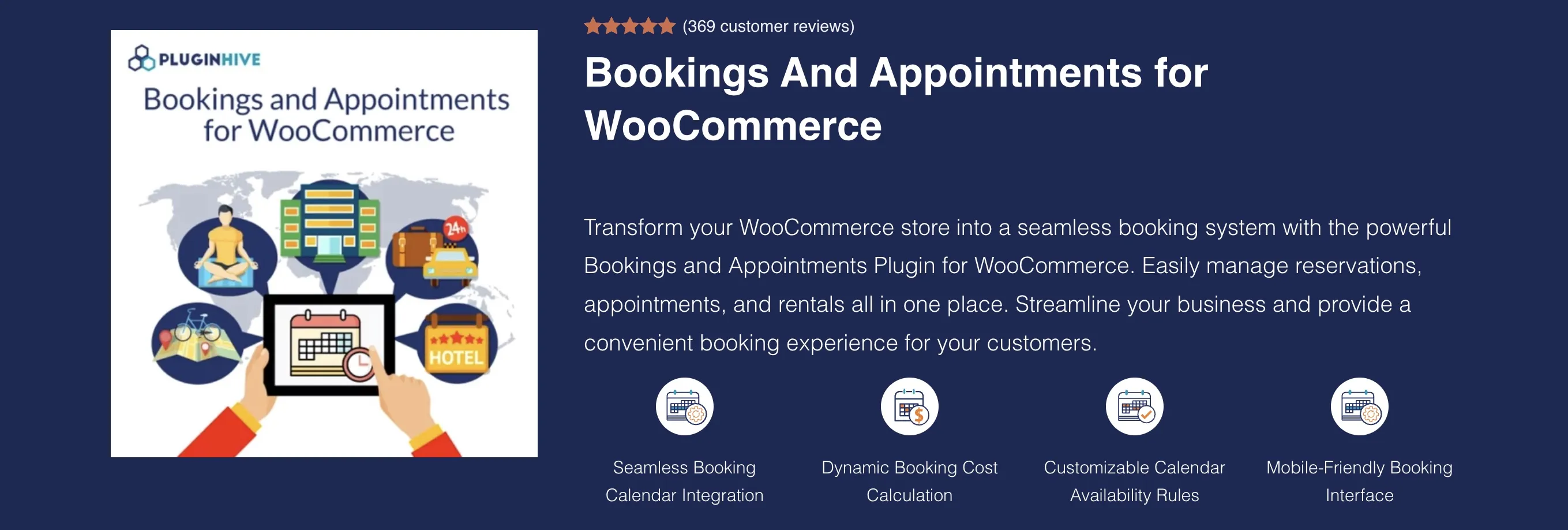
The Bookings & Appointments for WooCommerce plugin by PluginHive is a comprehensive booking solution that transforms your WooCommerce store into a powerful online booking and reservation system. It enables businesses to accept appointments and bookings for hotels, vacation rentals, equipment rentals, healthcare services, salons, fitness classes, tours, workshops, consultations, and more.
Built for businesses that need flexibility and automation, the plugin lets you configure bookings by minutes, hours, days, or months while automatically managing availability, preventing double bookings, and processing secure online payments through WooCommerce. It also offers seamless integrations with Google Calendar, WPML, Elementor, and Dokan, making it an ideal choice for both small businesses and large-scale booking operations.
Pros
Cons
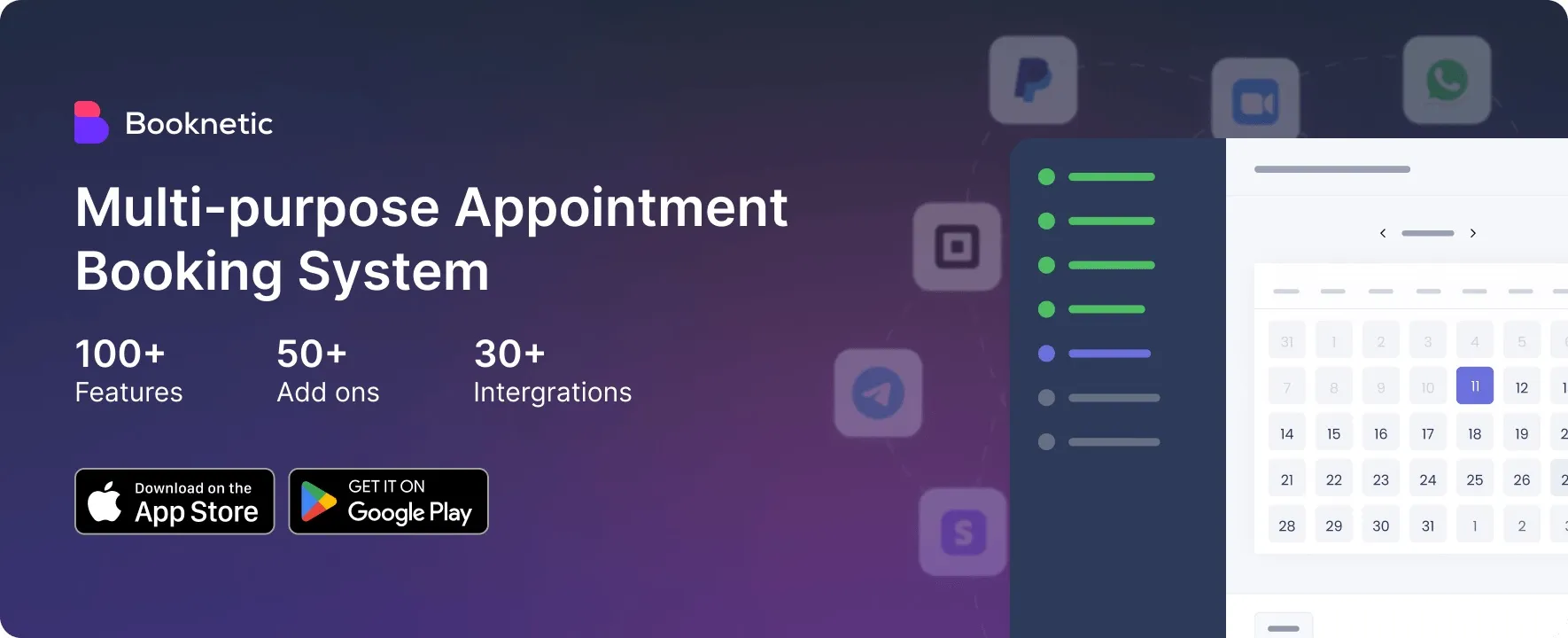
Booknetic is a WordPress booking plugin built for service-based businesses that need a clean booking flow, staff scheduling, customer management, and automated notifications. It is suitable for salons, clinics, consultants, fitness studios, law firms, agencies, and other businesses that accept scheduled appointments.
Booknetic has a free version available directly from its official website, so users can start testing the booking experience without committing to a paid plan right away. The free version is useful for building a professional booking setup with services, staff, locations, time slots, customer details, and email notifications.
The plugin is designed to give businesses more control over the full booking journey. You can create services, assign staff members, define working hours, manage appointments from the admin panel, and let customers book through a responsive booking form. For businesses that later need online payments, calendar sync, invoices, coupons, taxes, workflows, and other advanced tools, Booknetic also offers paid plans with a wider feature set.
Pros:
Cons:
BookingPress is the best WordPress booking plugin around here. Trusted by thousands of businesses, it is an all-in-one booking solution that turns your simple WordPress site into a full-featured online booking system.
The best part is you need zero technical skills. BookingPress lets you give your clients a hassle-free appointment booking experience. Plus, you can brand your booking form the way you want, manage your appointments, and collect online payments.
Standout Features:
Pros:
Cons:
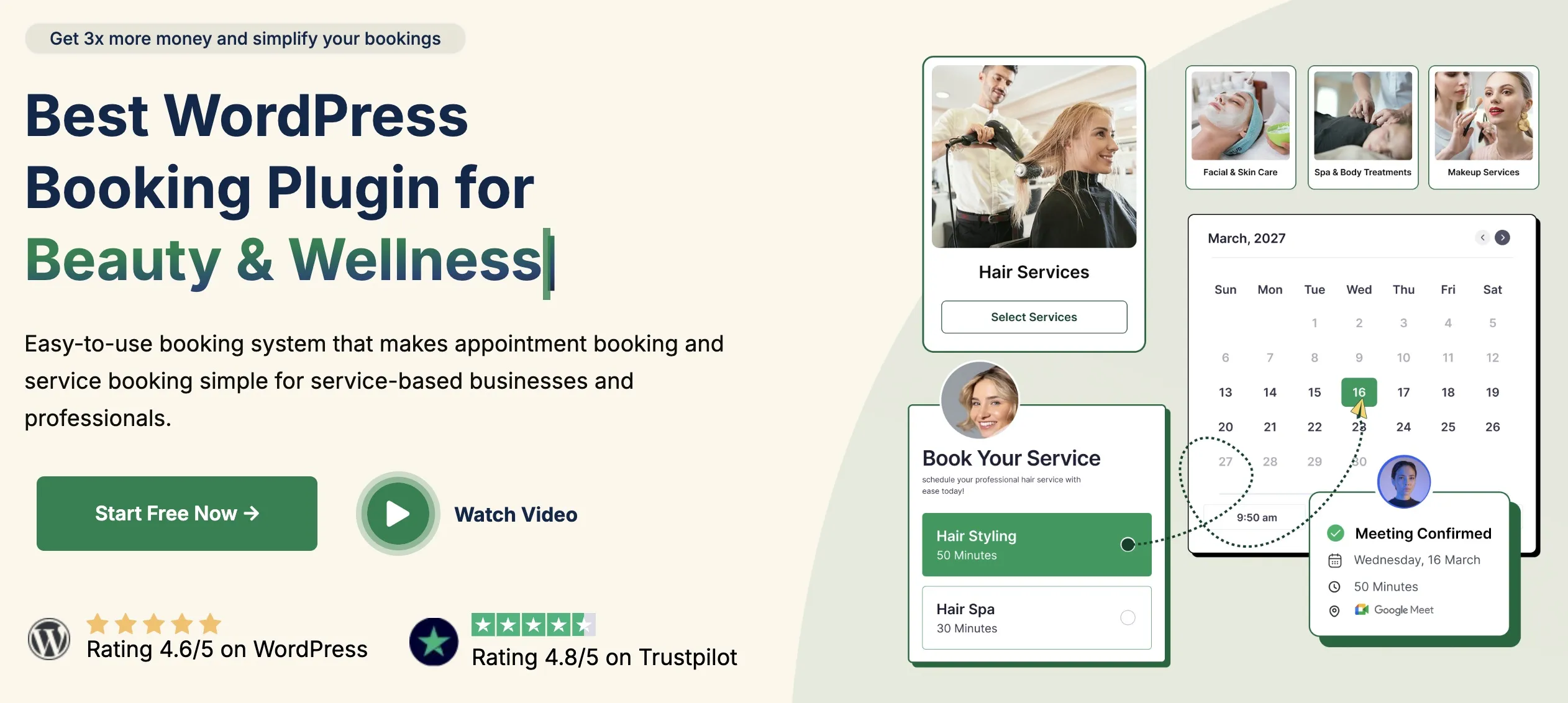
Booktics is a free WordPress appointment booking plugin for service-based businesses. It helps salons, clinics, tutors, consultants, fitness studios, and repair businesses manage appointments, staff schedules, customers, and payments from the WordPress dashboard.

Booking Calendar is another best WordPress booking plugin that adds a fully responsive calendar to your site. It helps you take online bookings, manage appointments, and schedule events with ease.
You can easily customize your booking form fields, email notification, and other booking settings. Best of all, it smoothly syncs your bookings with other services.
Standout Features:
Pros:
Cons:

Simply Schedule Appointments is a popular WordPress appointment booking plugin that is easy to use and fast to set up. What makes it the best is its customizable notifications and unlimited booking calendars.
Even in the free version, you can use advanced scheduling options and add blackout dates to make your schedule customized. Plus, you can customize your booking calendars too.
Standout Features:
Pros:
Cons:

If you are looking for a simple, lightweight, non-bloated solution booking plugin, WP Simple Booking Calendar is the best pick.
You can create one calendar and show the available dates of your services. Plus, the main calendar is fully mobile-friendly and allows you to show a legend next to your main calendar to explain the different statuses, such as booked or available.
Standout Features:
Pros:
Cons:

MotoPress Appointment Booking is one of the most powerful WordPress appointment booking plugins around with professional-grade features. Even in the Lite version, you can create unlimited services, employees, and locations.
The best part is that you can create customizable booking forms that support hourly and fixed-duration appointments. Plus, it also allows you to manage your staff schedules and set booking rules.
Standout Features:
Pros:
Cons:
Picking a WordPress appointment booking plugin has never been a one-size-fits-all decision.
The right WordPress scheduling plugin should match how your business operates and its workflow and fit your requirements. Before you hit “Install,” here are a few tips not to ignore:
First of all, you have to understand what kind of bookings you actually need because all businesses work differently.
Ask yourself:
The clearer you are here, the easier it is to pick the right plugin.
No matter what, it must always be easy for customers to book from your booking form. If booking an appointment feels confusing or time-consuming, customers will drop off.
Thus, look for a plugin that offers:
If your customers can book in under a minute, you’re on the right track.
The reason we are looking for an appointment booking plugin is to make things organized and easier, not messier. Make sure your plugin handles scheduling like a breeze and sets no limits.
If you offer paid services, having an online payment option in your booking form is a straight win. Even not at the moment, but you’ll surely need one in future once your business grows. And at that time, switching to other WordPress plugins can be a mess.
That’s why you should look for WordPress scheduling plugins that have good and budget friendly premium plans with better payment methods.
Not all plugins play nicely with every WordPress theme. A quick test can save you hours of troubleshooting later.
Thus, before deciding on any of these free WordPress booking plugins:
A well supported plugin is always a safer long term choice.
And…that’s it!
At the end of the day, it doesn’t matter whether you run a salon, spa, yoga classes, clinic, or any rental service; a WordPress appointment booking plugin can automate everything.
Our team of experts has shortlisted these top plugins after testing and evaluation. All the plugins you’ve seen here are some of the best free WordPress booking plugins in the whole WordPress ecosystem.
Now it’s your turn. Pick the plugin that fits your business needs, install it, and start accepting appointments without the back and forth!
You May Also Like:

© 2026 All Rights Reserved. An Ollyo company